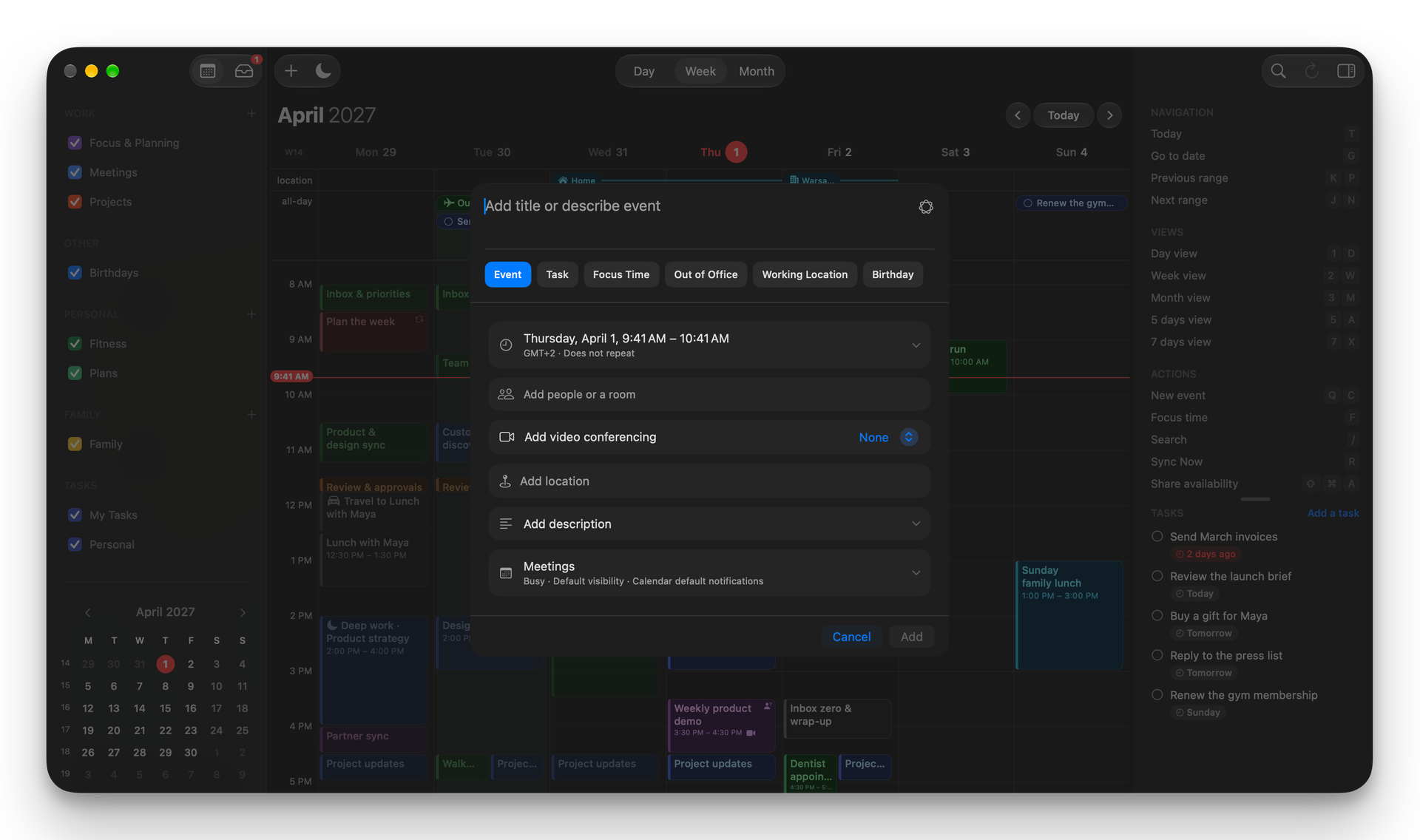
Google Calendar search
Search events, people, and details directly in Google Calendar, not only in hora's local database.
A fast, native calendar for people who live in Google Calendar. One purchase. Mac, iPhone and iPad.
14-day free trial · $2.99/month, $29.99/year or $59.99 Lifetimebrew install --cask szamowski-dev/tap/horamacOS 15+ · Works with Google Calendar

Every plan unlocks hora Calendar on your Mac, iPhone and iPad. Same Google calendars, same fast native app.
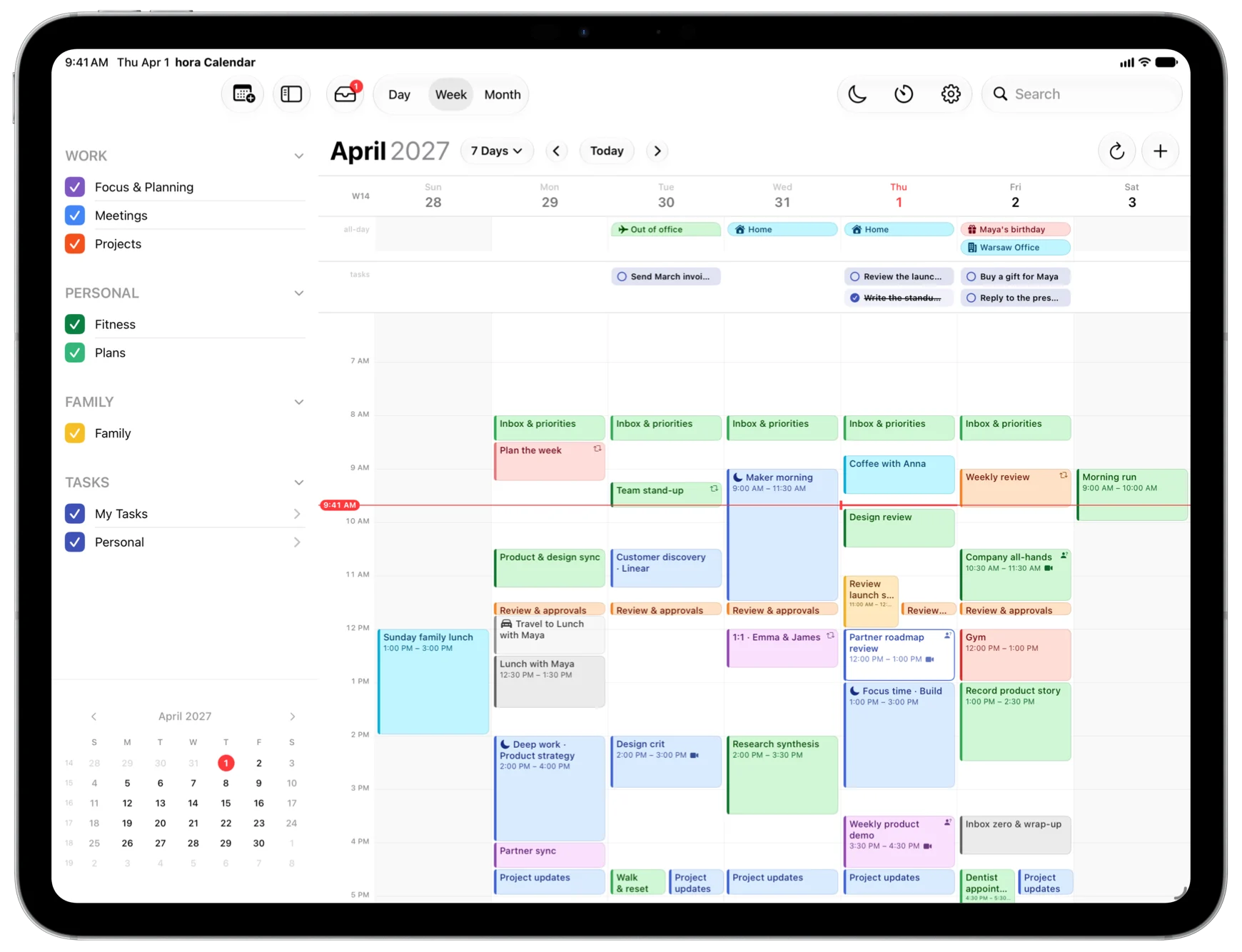
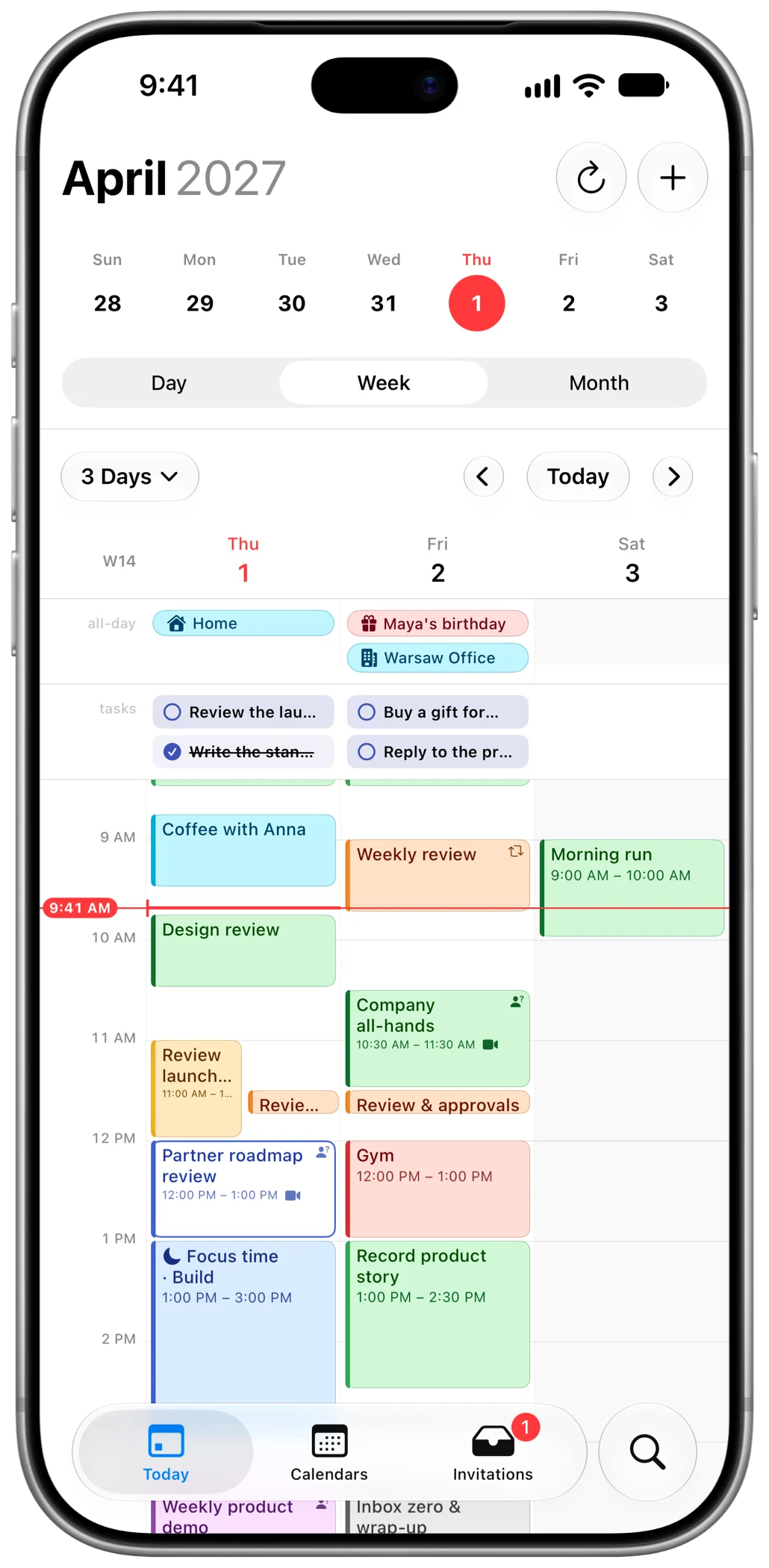
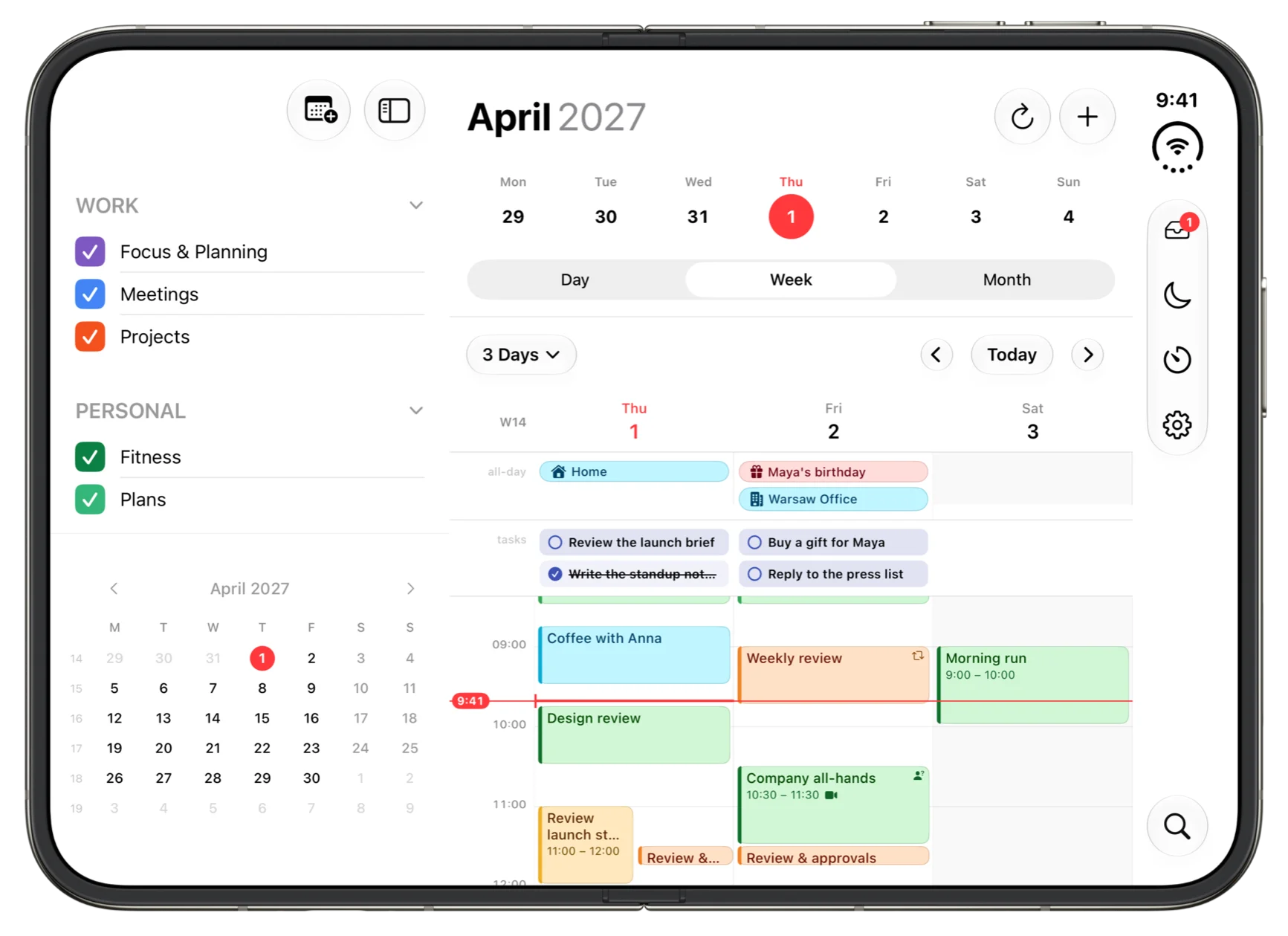
Built for iPhone Duo, folded and unfolded.
“An absolute masterpiece of Mac software design.”
Unlike bloated web-wrapper alternatives, it launches instantaneously and sips system resources.
No migration. No new workflow. Just your Google Calendar.


Search events, people, and details directly in Google Calendar, not only in hora's local database.
Switch between 1-day, 5-day, 7-day, and month views.
Create events naturally in many supported languages.
Plan with teammates wherever they work.
Show where you will be working through Google Workspace integration.
Automatically decline meetings and send responses while you're away.
Schedule distraction-free work blocks directly from Google Calendar.
Join Meet, Zoom, and Teams in one click.
View and manage your calendar without an internet connection.
Create, edit, and complete Google Tasks alongside your calendar, synced directly through the Google Tasks API.
Find and book your organization's meeting rooms while creating an event.
Check guests' availability as you invite them and find a time that works for everyone.
Create events the way you think, create online meetings, and keep the next action close.
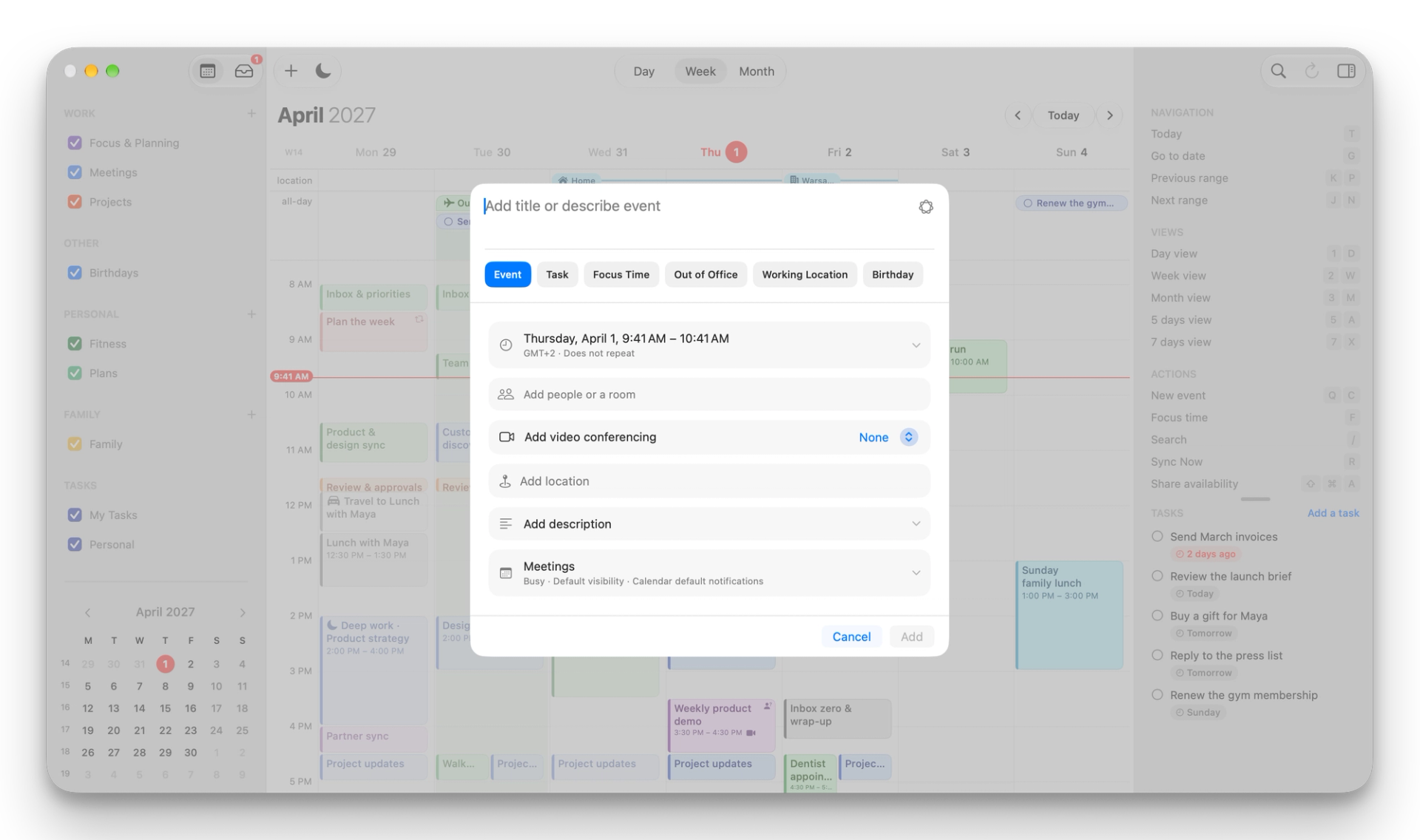
Create and join meetings without separate apps.
Easily create multiple Focus Time blocks across a busy week.
Join your next meeting directly from the menu bar.
Share useful openings while protecting the privacy of your calendar.
Stay focused without switching apps.
Navigate like every great Mac app.
Google Calendar finally feels at home on macOS.




Stay on top of product news and feature updates for Mac, iPhone and iPad.